
A reviewer opens a staging site, finds the wrong button, and files a ticket: "can you fix the button?" An engineer, or an AI coding agent, has to guess which one. The next pass is a screenshot with a red box, or a meeting to walk through the page.
Click-to-comment feedback is meant to shorten that loop. The reviewer leaves a pinned comment on the element they mean, and a coding agent is asked to make the change. That solves a real problem. It does not, on its own, answer the question that matters at the end: is the result what the person who asked actually wanted?
This post is about that gap. We make Butterneck, which does not pin comments to elements, so we describe its flow later. The check we care about works with any setup that can show the requester a running copy of the app.
In short: A pinned comment is good at saying which element you mean. It is still only a request. The person who asked should check the result on a live preview before a developer decides what ships. Data, payments, permissions and anything that is not on a screen you can open in the preview stay with a developer. In Butterneck, the reviewer types the request in the chat on the live preview, the coding agent runs on a developer's connected computer, and a developer decides what ships. Butterneck never commits, pushes or opens a pull request.
What a pinned comment fixes
The hard part of a small visual request is often not the wording. It is the place. "The button" might mean the primary action, a ghost button next to it, or a control that only shows up on a narrow screen. "This heading" might mean the one in the hero, or the one in the card below it.
A comment pinned to an element on a running page carries that place with the request. The person asking does not have to describe the selector, and the person (or agent) doing the work does not have to guess. For spacing, type, color and copy on a screen you can already open, that is a genuine save.
It is the same idea as attaching a screenshot, with the location built in.
What it leaves open
A pin is not a check. It says what to change. It does not say whether the change, once made, is right.
The person who asked is still the one who can tell. They need to see the running screen after the edit: the new spacing next to the old heading, the button on a narrow window, the wording in context. If they only see a diff, or a comment thread marked done, the first time they look at the live screen may be after someone has already reviewed the code, or after the change has already shipped. "Not quite" then costs another full loop.
Two other things a pin does not settle:
- Whether the change is safe to ship. Shared components, styles other screens use, data, payments and permissions still need a developer.
- Who decides that it ships. A request, even a precise one, is not a release.
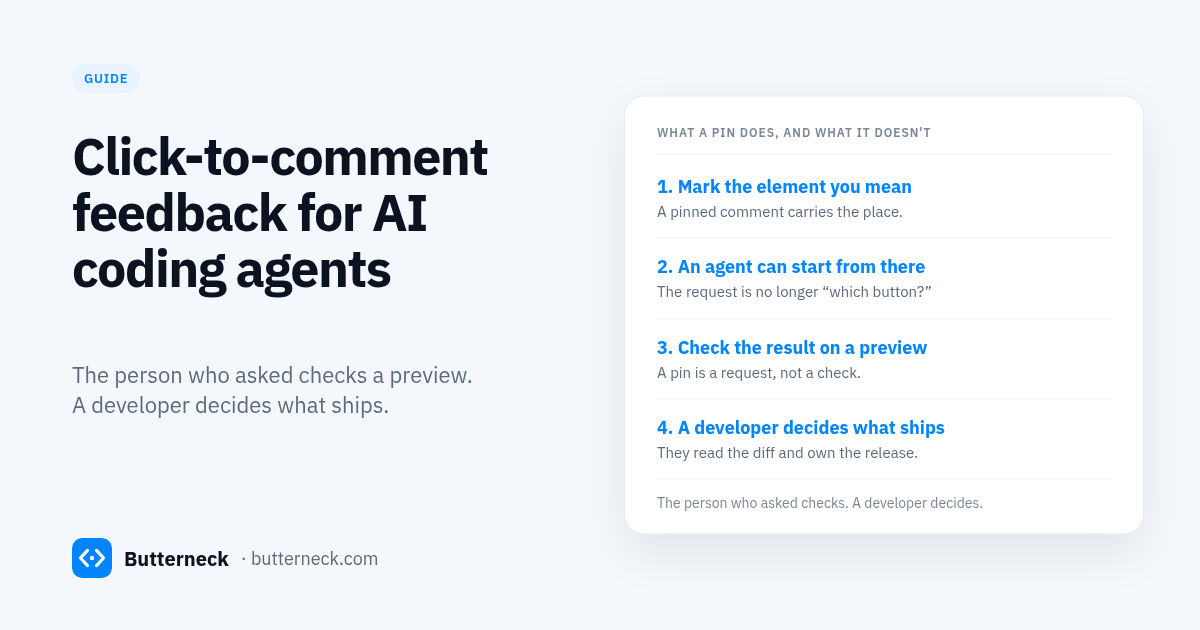
So a useful flow still has three roles, even when the request starts as a pinned comment: the person who asks, the person who checks the result on a running page (often the same person), and the developer who reads the diff and decides. Vibe coding for teams is that split written out. Human-in-the-loop AI coding is the same idea from the review side.
Who checks the result
The person who asked checks the preview. They already know what "done" looks like. A developer then decides what ships.
That is the same check we described for a bug in let the person who reported a bug check the fix: the reporter is the acceptance test for "is this actually fixed?", and a developer is still the one who answers "is this safe to ship?" A click-to-comment request is just a more precise way to start the first question. It does not replace the second.
If the first pass is wrong, they say so on the same preview, while the change is still cheap. They do not wait for a pull request to land, or for a release, to find out.
The loop on a live preview
Butterneck does not pin comments to elements. The reviewer types the request in the chat on the live preview, on the screen they have open. Each message carries the page address, route and page title, and they can paste or attach up to five screenshots or files. That is how the request keeps its place, without a pin. We walk through that difference in the FAQ Is Butterneck a visual feedback tool for an AI coding agent?.
The coding agent on a developer's connected computer edits the project. The change shows up on the same preview, which is its own copy of the app. The person who asked looks at it there, including on a narrow window if that is what they meant, and signs off in writing where they asked.
A developer still reviews the code and decides what ships. Butterneck never commits, pushes or opens a pull request, and never merges or deploys.
For the words of the request itself, how to write a change request for an AI coding agent has a five-line template. The "Where" line is easier when the preview already knows the page. The "Check" line is still worth writing down, so everyone can tell when the change is right.
What stays with a developer
This is for small, visible fixes: copy, spacing, font weight, color, a control on the wrong screen. It is not the starting point for login, permissions, billing, data from another system, or anything that only happens sometimes.
A developer still reads the diff, especially when the change touches a shared component or a style other screens use. Their sign-off is the release decision. The requester's sign-off means "this is what I asked for."
Live preview before the pull request is the longer note on that handoff.
FAQ
What does click-to-comment feedback actually add?
It pins the request to an element on a running page, so "the button" has a place. That helps an AI coding agent, or a developer, start from the right spot. It does not, by itself, confirm that the change is right once it has been made.
Who should check the result of a click-to-comment request?
The person who asked, on a running preview of the same screen. They already know what they meant. A developer still reviews the code and decides whether it ships.
Does a pinned comment replace a live preview?
No. A pin is a precise request. A live preview is how the person who asked sees the result. You want both: a clear request, then a look at the running change before anyone treats it as done.
Does Butterneck pin comments to elements?
No. The reviewer types the request in the chat on the live preview. The message already carries the page address, route and page title they have open, and they can attach a screenshot. The visual feedback FAQ on the live-preview post covers this.
Does Butterneck open a pull request after the comment?
No. Butterneck never commits, pushes or opens a pull request, and never merges or deploys. The person who asked checks the preview. A developer publishes the change the usual way, or discards it.
What if the change is not visible on one screen?
Leave it with a developer. If you cannot open the problem on the preview, you cannot be the one who checks the result there. Payments, permissions, data and anything that only happens sometimes stay with engineering from the start.
Try it
Book a 30-minute demo and bring one small visual fix from your backlog. We will run it on a live preview. Or see pricing and try a request on the sample shop before connecting a computer.