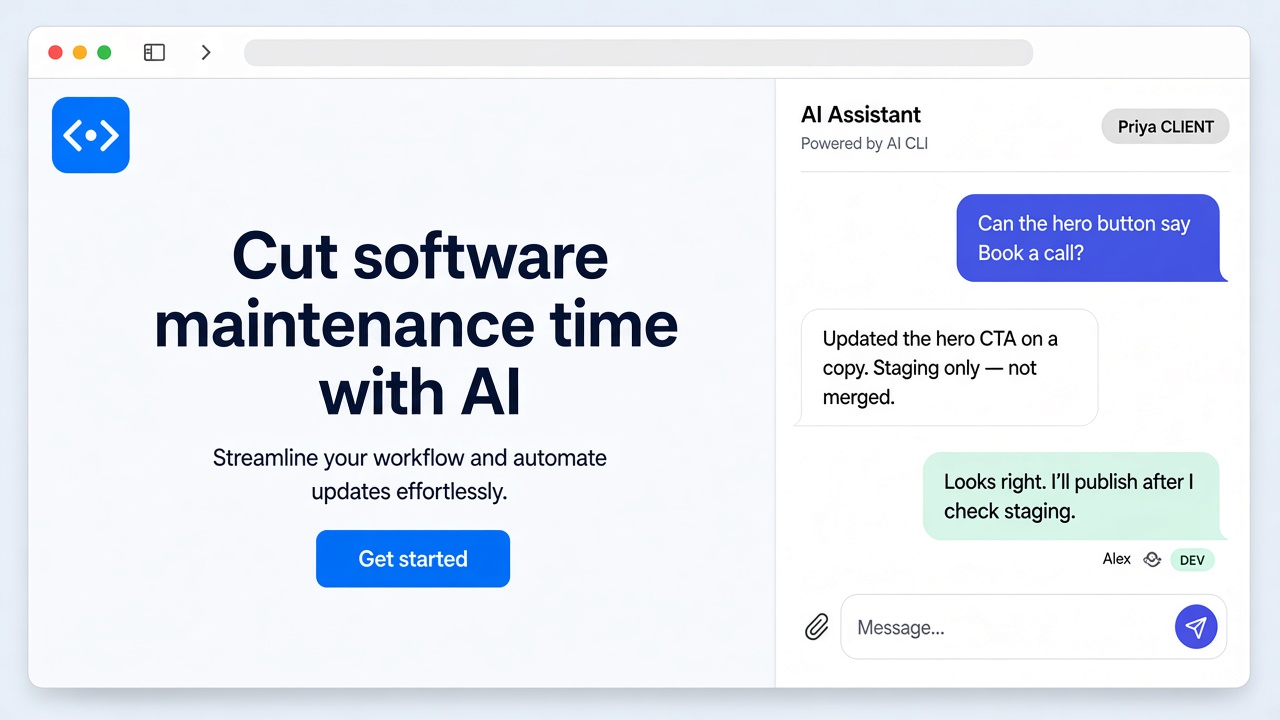
Add the label butterneck to a ticket and assign it to someone whose computer has the project. The ticket becomes the request, and the change is built by the developer's own AI agent on their computer. A live preview link comes back on the ticket, and the requester can keep refining it in plain words. A developer decides what goes live.
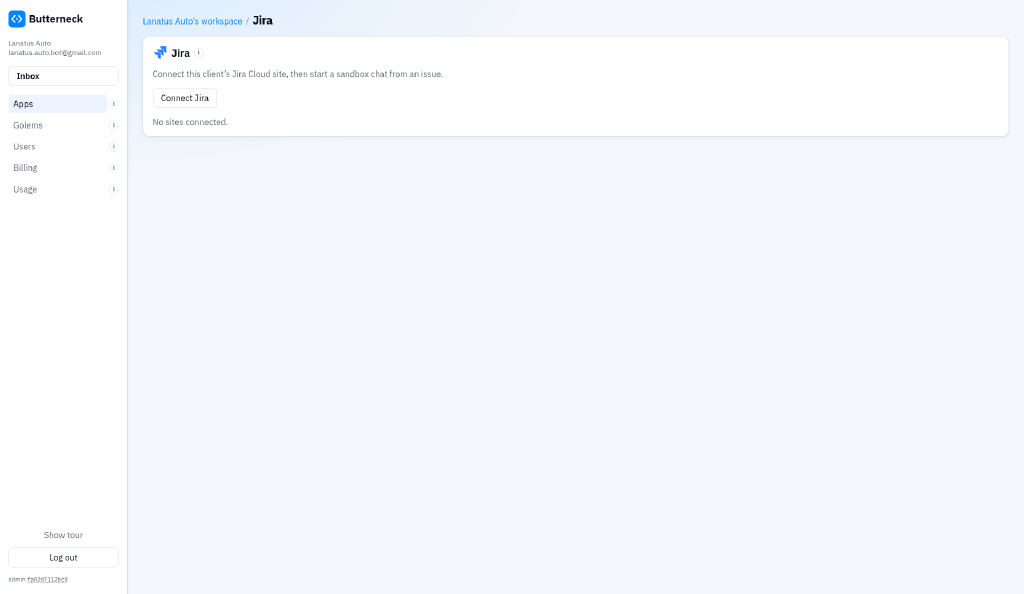
Paste Butterneck’s address into Jira, so Jira can tell Butterneck when a ticket is created or updated.
A labeled ticket starts the chat
Add the label butterneck.
Assign the ticket to someone whose computer has the project.
Butterneck opens a private copy of the project, named after the ticket.
The title, description, comments, and attached files become the request.
The link goes back on the ticket
When the AI is done, a short note and a link to the preview are added to the ticket.
The full conversation stays on the live copy.
Updating that same ticket later does not open a second copy.
What it looks like
Connect Jira Cloud once from your workspace.The full conversation stays on the live copy. The ticket gets a short note and the link.
How this differs from Jira's own coding agent
Atlassian's Jira Coding Agent and Butterneck solve different problems.
Jira Coding Agent runs from a Jira automation, makes code changes on a branch, and opens a draft pull request in the repository you pick, for your team to review and merge.
Butterneck gives the person who asked a live preview of the app that they can keep refining in plain words.
The change is built by the developer's own local AI agent on their computer, and the developer publishes it through their own process. Your release process stays yours.
Butterneck never opens pull requests, merges, or deploys.